
Mobile App Development for Android & iOS
Turn your idea into an Android or iOS app built for everyday use. Our mobile app development service covers product planning, UI/UX design, native or Flutter development, app store launch and ongoing support.
Start a ProjectOur portfolio
Meet the brands we collaborate with









Native, Flutter or a web app?
The first decision is whether an app is needed at all. Native development gives direct platform control. Flutter shares a codebase across Android and iOS. A responsive web application can be the right answer when store distribution and device features are not essential. We choose against your users, hardware requirements, budget and maintenance needs.
Expert Solutions for Every Platform
Discovery defines the first release. Interface design, backend APIs, authentication and store requirements are part of the scope, not surprises halfway through.
- Android
Android development
Native Android in Kotlin and Java, with full platform access. Built to perform across device classes and OS versions, including the mid-range phones most people actually carry.
- Android + iOS
Cross-platform development
Flutter builds delivering Android and iOS from one codebase, with one place to maintain.
- iOS
iOS development
Native iOS, following Apple's interface conventions and review requirements. As a standalone build for an iOS-first audience, or paired with native Android.
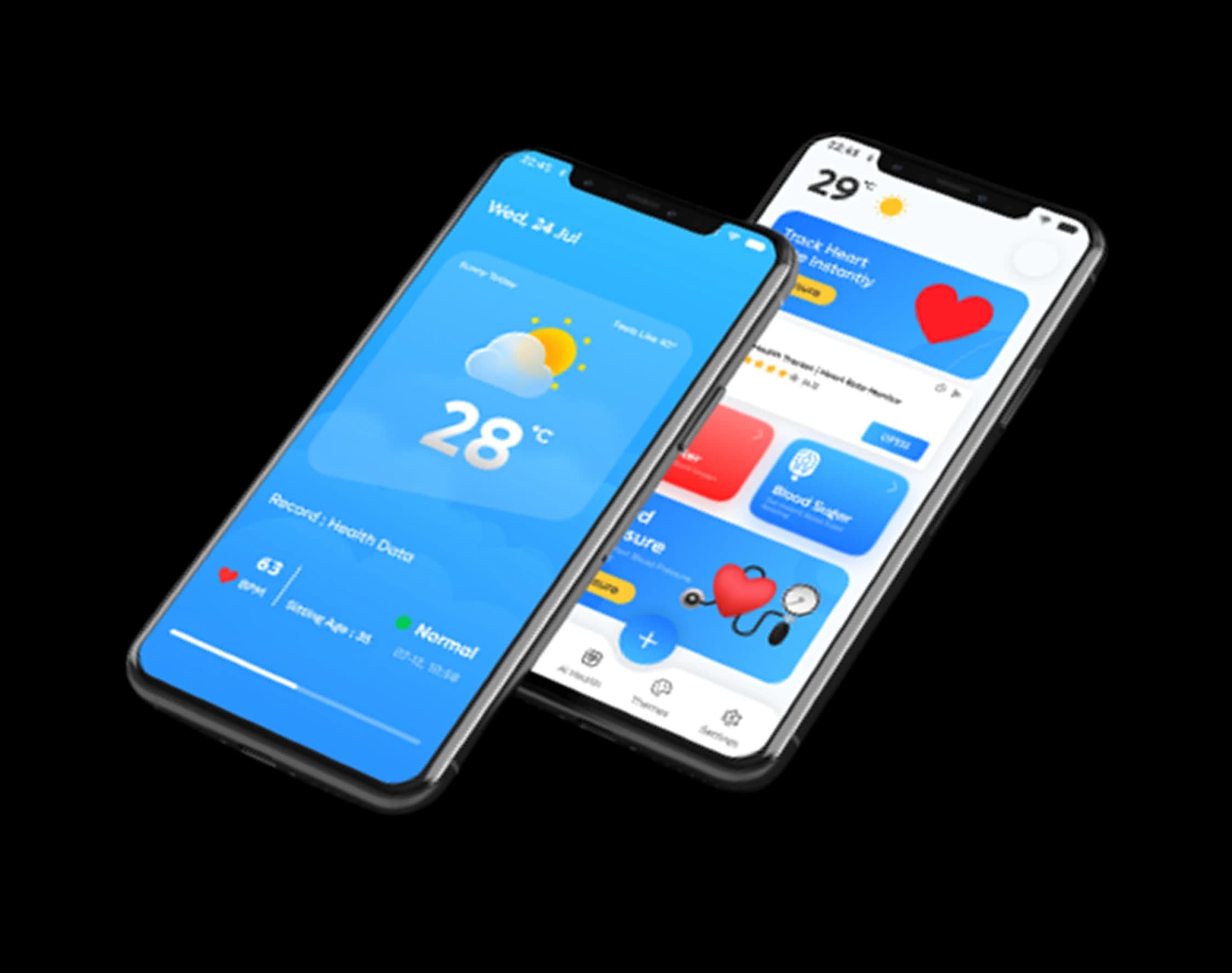
Apps we have built
Health Tracker
An Android health tracking app built for reliable daily use and clean long-term data handling. Health data brings requirements most apps do not have.
Mobile App Development Phases
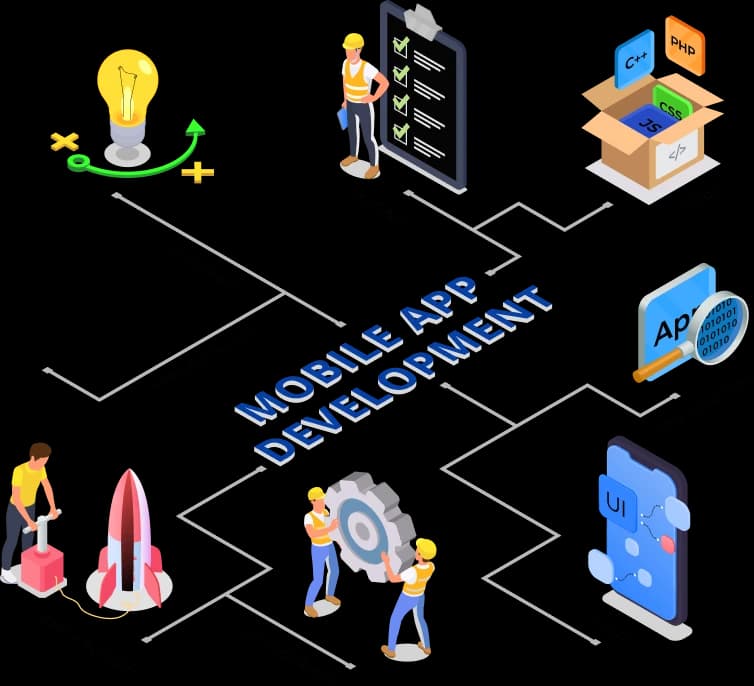
Strategy and planning
Objectives, users, feature scope, technical architecture. We define what ships in version one and what deliberately waits.
Design and architecture
Flows, wireframes and interface design are reviewed before development. Data models, API contracts, authentication and offline behaviour are defined before they become expensive to change.
Development
Built in stages, with working builds you can install and use. You are testing on a real device throughout.
Quality assurance
Across device classes, OS versions and screen sizes, including older and lower-spec hardware. That is where the real problems show up.
Deployment
Store submission, listings, privacy declarations, review compliance.
Post-launch
Crash monitoring, usage analytics, iteration. What people do with an app is reliably different from what anyone predicted.

Why Partner With BlueCore for App Development
Design, development, store submission and the releases after it belong in one engagement. The platform choice and the cost of keeping an app maintained should be clear before you commission it.

One team through to launch
Design, build, store submission and later releases stay inside the agreed engagement. Store review is part of the work, not an afterthought.

Platform choice on evidence
Native, Flutter or web depends on what the product must do. We assess hardware access, background work, accessibility and who will maintain it.

Maintenance scoped up front
Operating-system releases, SDK updates and store policies keep changing. We agree ongoing support and its costs before launch.
FAQ
Got Questions?
We’ve Got Answers!
Straight answers about the work, the decisions to make before it starts, and what happens after launch.
Get a QuoteStart with the platform your actual users use. We assess audience, device requirements and budget before choosing native Android, native iOS or Flutter for both.
Native means building against each platform's own SDK and interface toolkit, which gives the most direct control over platform behaviour and means more platform-specific implementation and testing. It does not mechanically double the cost. Design, backend, QA and project management are shared either way, and approaches like Kotlin Multiplatform can share business logic while keeping native interfaces. Flutter compiles one codebase to both platforms with near-native performance for most business apps. Which one is right depends on your requirements: background execution, hardware integration, vendor SDKs, accessibility depth, and who will maintain it. We work that out in the technical assessment instead of defaulting to one.
Yes, if the app stores data beyond the device, has user accounts, syncs between devices or sends push notifications. Not always your own, though. Managed services cover a lot of this: Firebase for accounts and push, CloudKit for sync on Apple platforms, Sign in with Apple for identity. An app can also talk directly to a third-party API without you running anything, though not with a service credential embedded in it. A mobile binary and its traffic can both be inspected. User credentials and tokens can live on the device, in the Keychain or the Android Keystore. What needs a server in front of it is anything you cannot afford a determined user to extract: a shared API secret, a billing key, an admin scope. What matters is that server-side or managed cloud work is a real part of the budget, and it should be scoped at the start instead of discovered halfway through.
Apps need maintenance. Both platforms ship annual major releases that can break existing functionality, and store requirements change. Budget for it.
Yes, and it is often the cheapest way to find out whether anyone wants the app. It works best when the first version is built with the second in mind: a shared backend, a data model that is not tied to one platform's conventions, and a clear view of which parts will need rewriting and which will port.
Often, depending on the code and the documentation. We start with a technical review and tell you honestly whether continuing is cheaper than rebuilding.